

When most people load into a beta, they go straight into a match. That’s understandable — the maps are new, the guns feel fresh, and there’s that particular energy that comes with a game not being fully released yet. But here’s the thing about the MW4 Beta: the settings that come with it are not good for you.
After a few different sessions and a good amount of time in the beta, one pattern becomes very clear. Players who take fifteen minutes to adjust their graphics and controller settings before playing are moving, aiming, and reacting noticeably better than those who don’t. It’s not exciting. It’s not day and nite. When the scores are this close, though, it adds up.
Most players don’t pay much attention to Post Processing Effects, Shadow and Lighting, and Field of View, but these are the areas where the graphics changes have the most noticeable effects right away. Turning off World Motion Blur and Weapon Motion Blur alone makes combat feel sharper and more readable, especially in close-quarters exchanges where frames of clarity actually matter. If you set Shadow Quality to Very Low or Low, it will look worse, and that’s the truth. On the other hand, darker backgrounds make it easier to see enemies, which might be more important in a fast-paced multiplayer setting than nice lighting.
Particle Resolution should be mentioned here in particular. MW4 has a lot of particles. During firefights, explosions, smoke, and environmental effects seem to add up quickly, and it can really make it hard to see. Setting this to Very Low cuts through a lot of that visual noise without stripping out anything that actually matters during gameplay. It’s one of those places that seems small on paper but is important in real life.
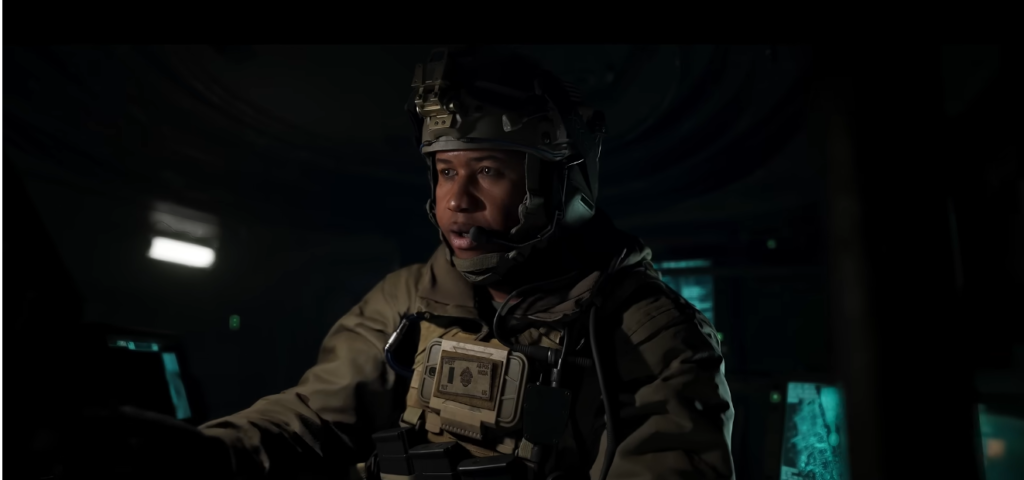
Field of View is another one worth getting right early. Between 115 and 120 is usually the best range. It’s wide enough to pick up more action in the edges, but not so far that movement feels skewed or off-balance. Wide FOV is different for everyone, so it’s best to try different settings. Most competitive players seem to find that erring on the higher end works best.
On the controller side, the changes that make the most difference aren’t always the flashiest ones. When you turn off Controller Vibration and Trigger Effect, you get rid of sensory distractions that can really hurt your focus and accuracy over a long session. Everyone has a different sensitivity level, so there is no one right answer. However, the 1.75 range on both horizontal and vertical sticks works well for most players as a starting point. Not too quick to react and not too slow.
The Interact/Reload Behavior setting is a less obvious controller change that you should pay attention to. Switching this to Prioritize Reload is a subtle change that prevents a frustrating and surprisingly common mistake: going to reload in the middle of a gunfight and accidentally vaulting over something instead. In a beta where you’re still learning map geometry, that kind of accidental mantle can cost matches.
There’s also a bigger point here. People don’t just get early access to games during betas; they can also really help players figure out how the game feels and where they need to make adjustments. MW4 is still being made better. Some settings that work well now might shift as the full release approaches. It’s still unclear exactly how much will change between beta and launch, but the fundamentals of building a smart settings profile tend to carry over.
What the MW4 Beta makes obvious is that the gap between a tuned setup and an untouched default is real, even if it’s quiet. When a player finds an edge early on, they tend to keep it.
